FR NL EN
FR NL EN
Mobile plans Prepaid Top up Roaming All mobile products
Mobile
Mobile plans Prepaid Top up Roaming All mobile products
Private Self-employed

All about your BASE modem

What is a modem?

A modem converts the internet signal into a stable connection in your home. Think of it as the link between the outside world and all your Wi-Fi devices at home.

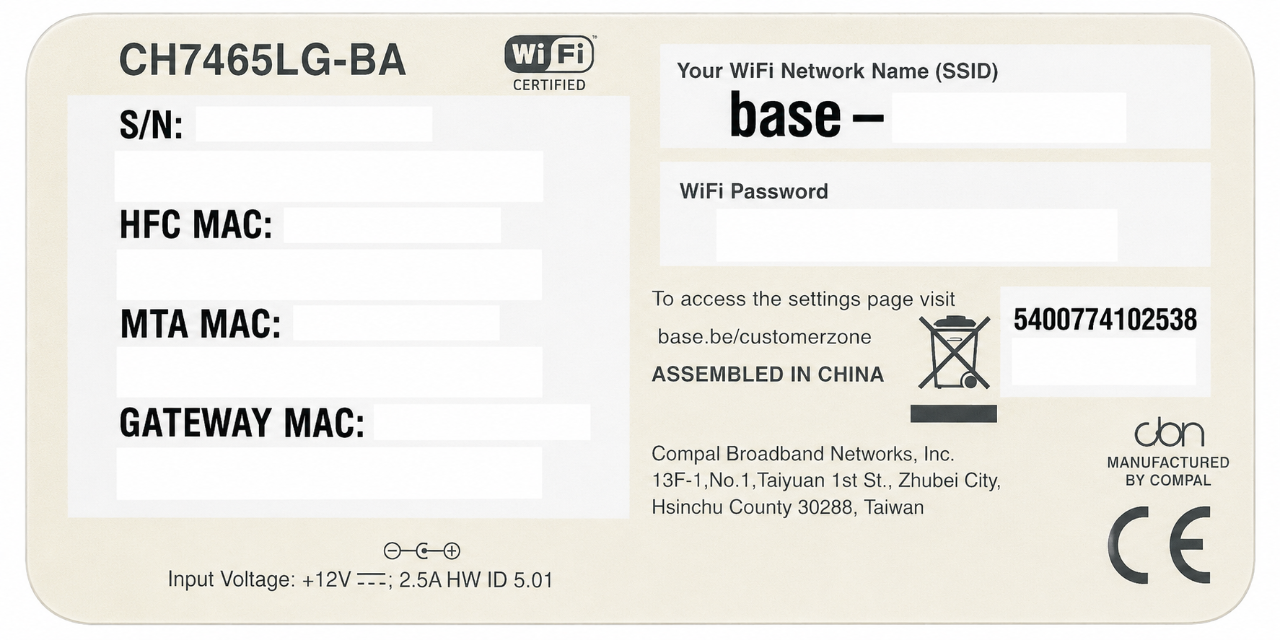
At BASE we chose the CH7465LG-BA modem as our standard device. Here’s a quick explanation.

What is the difference between a modem and a router?

A router distributes your internet connection throughout your home. In many modern devices, such as the BASE modem, the router is already built in. This means you don’t need an additional router with our modem. With BASE, you get a single device that combines both functions, keeping everything simple!

Please note: Would you prefer to keep using your own router? For example, because you want parental controls, more detailed network management or multiple VPN options? Then make sure the Wi-Fi signal on your modem is switched off.

What do the LEDs on your modem mean?

First, you should know that the LEDs on your modem switch off automatically. That saves electricity. Do you want to switch the LEDs on? All you have to do is briefly press the WPS button. Attention: the WPS function itself is not supported.

  • Wifi: The wifi LED indicates the status of your wifi.
  • Internet: The internet LED indicates the status of the connection between your modem and the internet.
  • Power: The white LED shows your power mode. During start-up, the LED first changes from green to red, and then it stays white.
  • WPS: Wi‑Fi Protected Setup, a way to quickly connect to a Wi‑Fi network without entering a password (please note: the WPS function is not available on the BASE modem).

What ports does your modem have?

  • INT 1-4: 4 Ethernet ports for connection via UTP cable.
  • Reset: your modem's reset button. Want to reset the modem to factory settings? Use a pointed object to press and hold the button for 15 seconds.
  • Cable connector: connection for the coax cable from the wall socket or NIU.
  • Power connector: connection for the power cable.
  • Power switch: to switch the mains power on and off.

Technical

  • EuroDOCSIS 3.0 modem 
  • 4 Ethernet connections (Gigabit)
  • 2 RJ11 telephone connections 
  • Support for 2.4 and 5 GHz frequency bands
     
  • Support for IPv4 and IPv6 
  • 802.11ac WiFi standard (WiFi 5)
  • Download speed up to 200 Mbit/s 
  • Rated power consumption: 9.5 W

Searching for something else?